
Frictionless guest flow
How simple smart lockers should be.
No apps to download. No physical keys to lose. Scan the QR code with your phone and the locker opens — for club guests at night and for residents in a park on a Sunday afternoon.
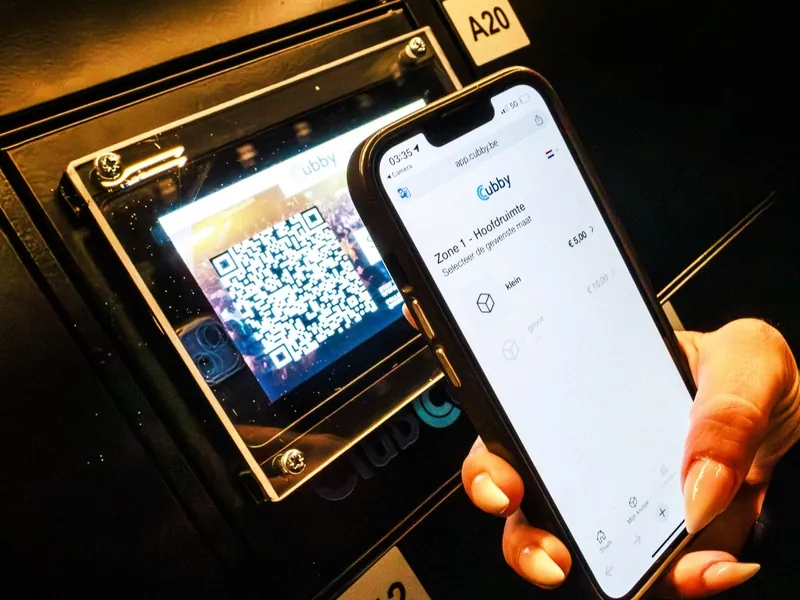
Effortless 1-minute experience
How ClubCubby works for your guests.
Our web-based system eliminates the need for downloading apps, reducing friction for first-time users.
Step 01
Scan the QR code
Guests open their native phone camera and point it at the QR code on the locker door. The locker page opens in the browser.
Step 02
Choose and pay when applicable
Choose a locker. Paid use runs via Stripe or MultiSafepay, for example with Apple Pay or iDEAL. No account and no login.
Step 03
The door pops open
The electronic lock opens. Store your belongings and close the door.
Step 04
Re-open and end your session
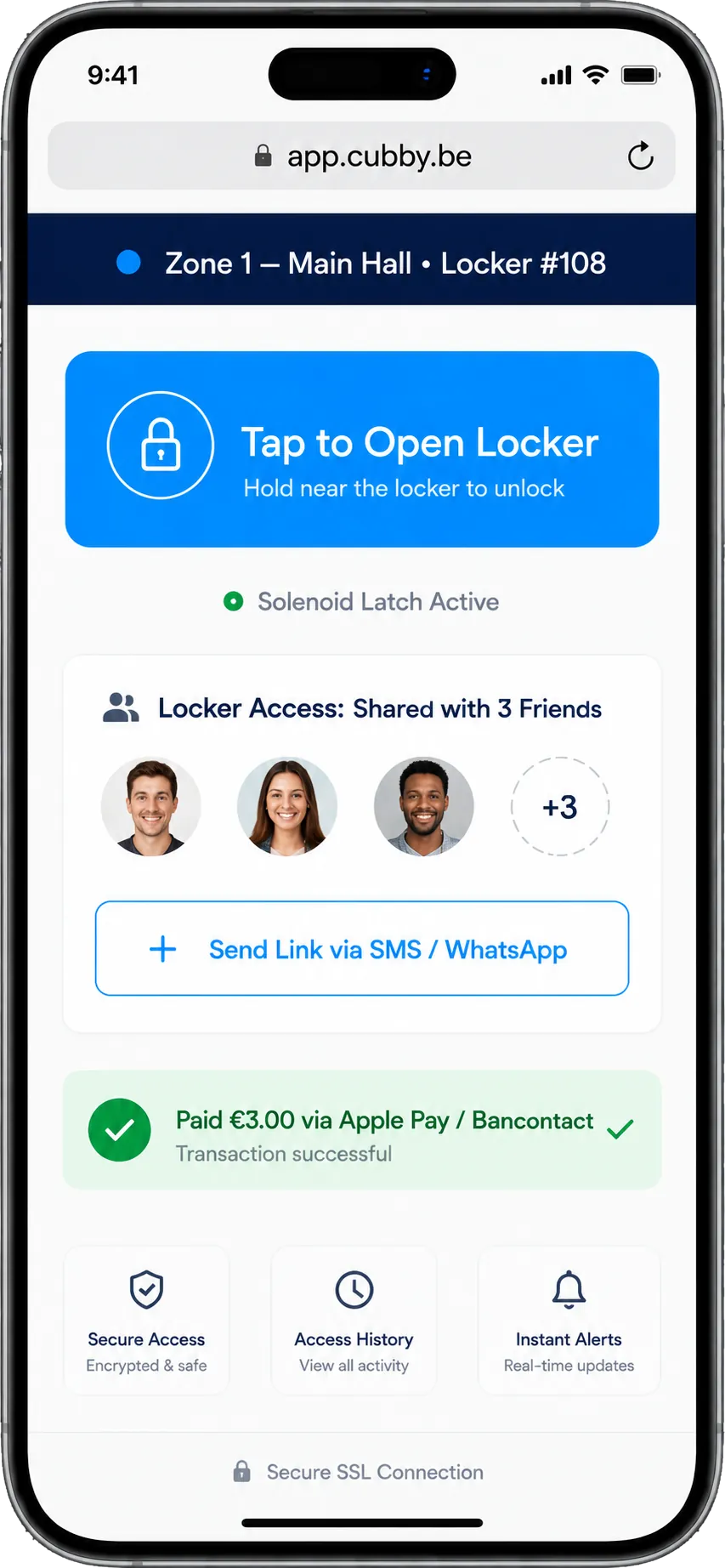
Re-open your locker via your phone during your session. You can also share access with friends via a link.
Management platform & web app
No app. No account.
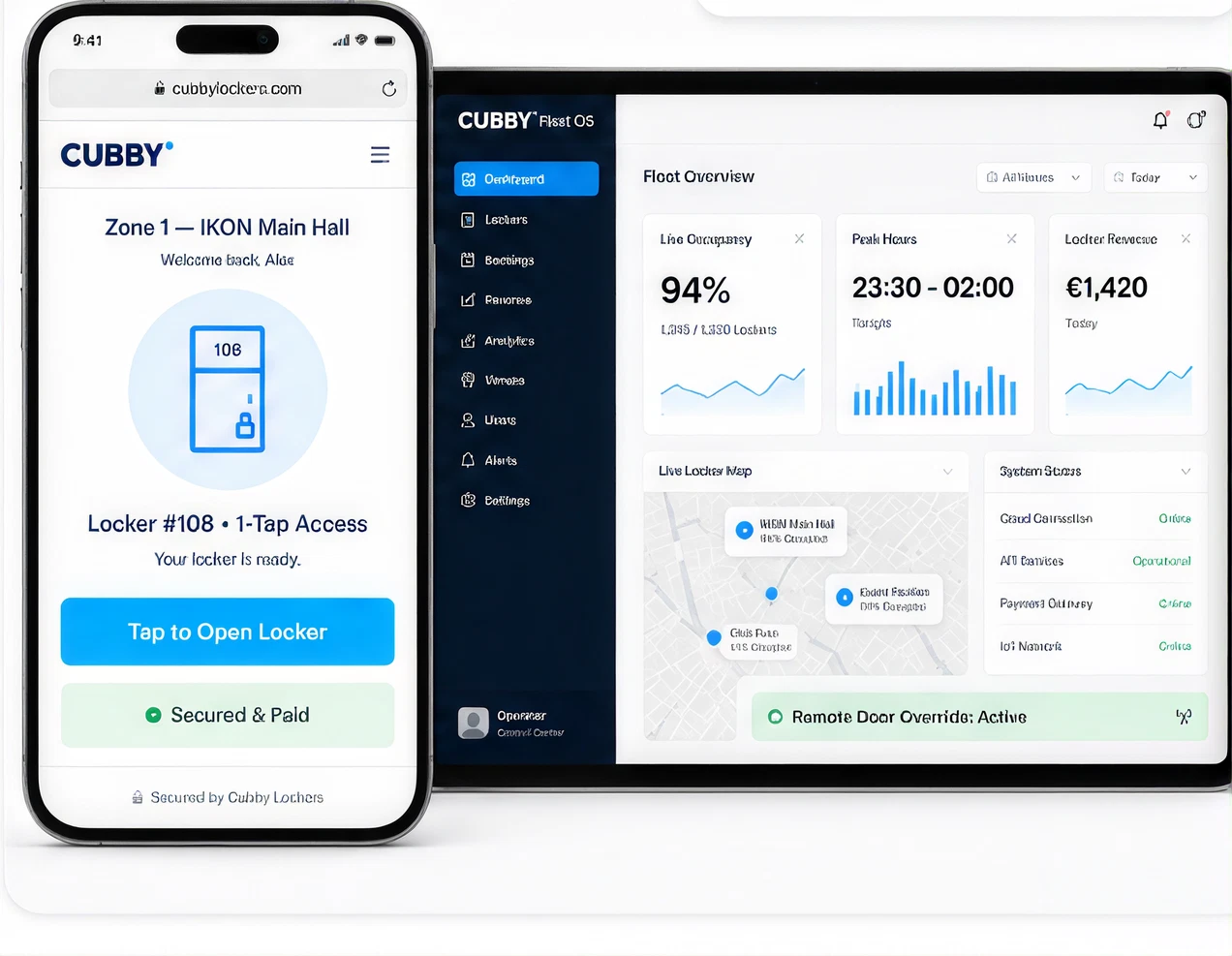
Your guests do not need to install anything, and you manage all your lockers, prices and usage from one management platform.
- No app download and no account needed
- Share locker access with friends via a link
- Self-service: less manual cloakroom work
- Remote insight and management for authorised staff
Venue management
One management platform for all your lockers.
Pricing, events, payouts and hardware status — managed remotely from one management platform.
Flexible event pricing
Set custom prices per event or offer free locker access, all controlled directly from your venue dashboard.
Optional newsletter opt-in
Optionally ask guests whether they want to receive news from your venue. Only guests who explicitly agree are added.
Live occupancy analytics
Remote insight and management: see which lockers are in use and let authorised staff open a locker when a guest needs help.
Automated revenue split
Rental revenues are reconciled in real time and paid out monthly by SEPA transfer, with automated VAT invoices.
How citizens use it
UrbanCubby: borrowing sports and play equipment.
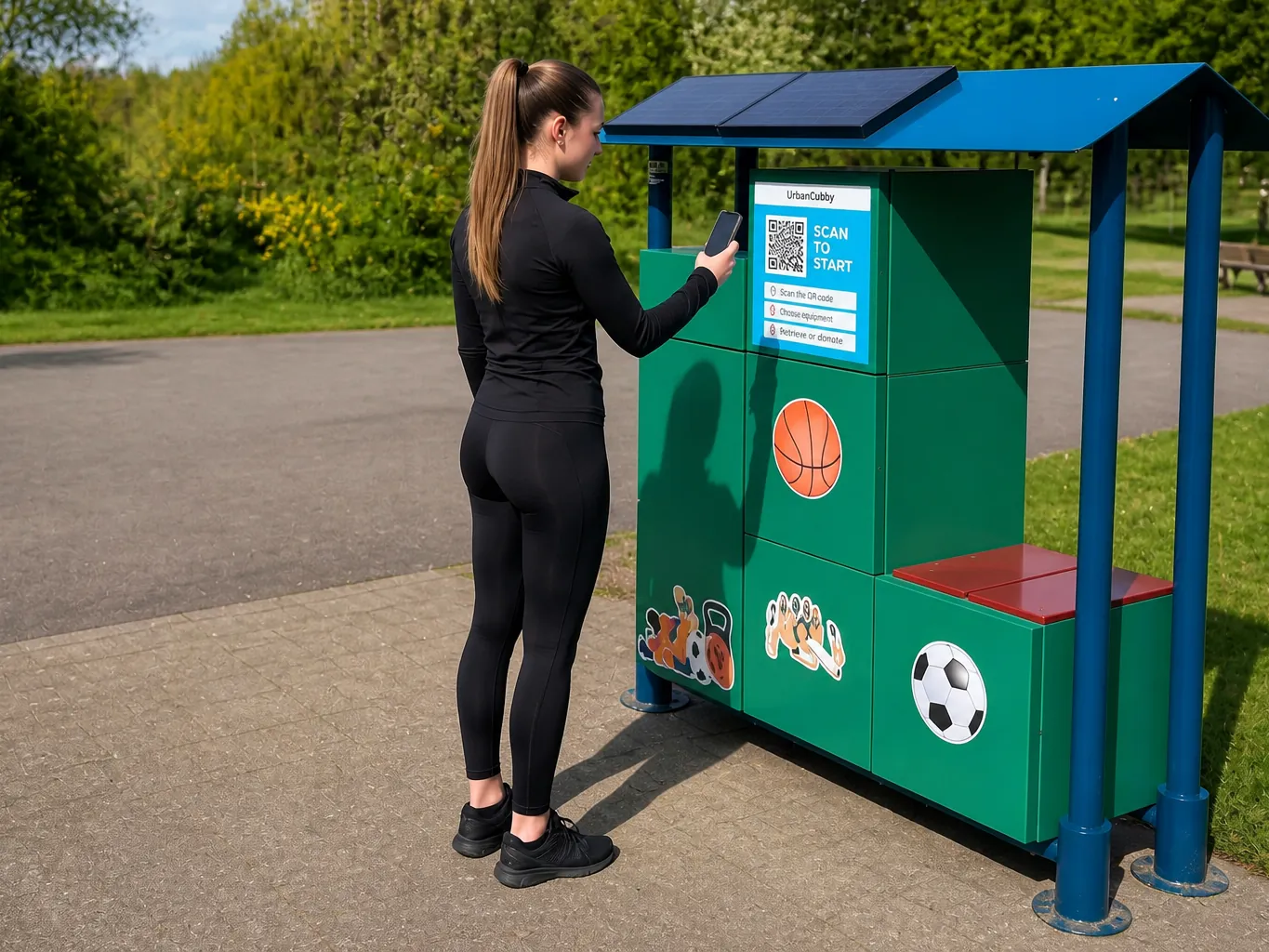
UrbanCubby gives locations a new purpose — from basketballs, footballs and volleyballs to kubb and calisthenics gear. Scan the QR code, choose your equipment, open the locker, play and bring everything back. Free or paid use depends on the location.
Privacy-conscious, without storing card details
Cubby never handles, processes or stores your card number, CVV or banking PIN. Payment data is tokenised at browser level under PCI-DSS Level 1 compliance through Stripe or MultiSafepay. No biometrics, no cameras, no identity cards.
Read the privacy policy